AI agents & automation
What is MCP (Model Context Protocol)? A plain-English guide
MCP is the standard that lets AI apps connect to your tools and data. What it is, how hosts, clients and servers fit together, what it's used for and the security basics.
On this page
If you follow AI tools, you've seen "MCP" everywhere. It sounds technical, but the idea is simple.
MCP in one sentence
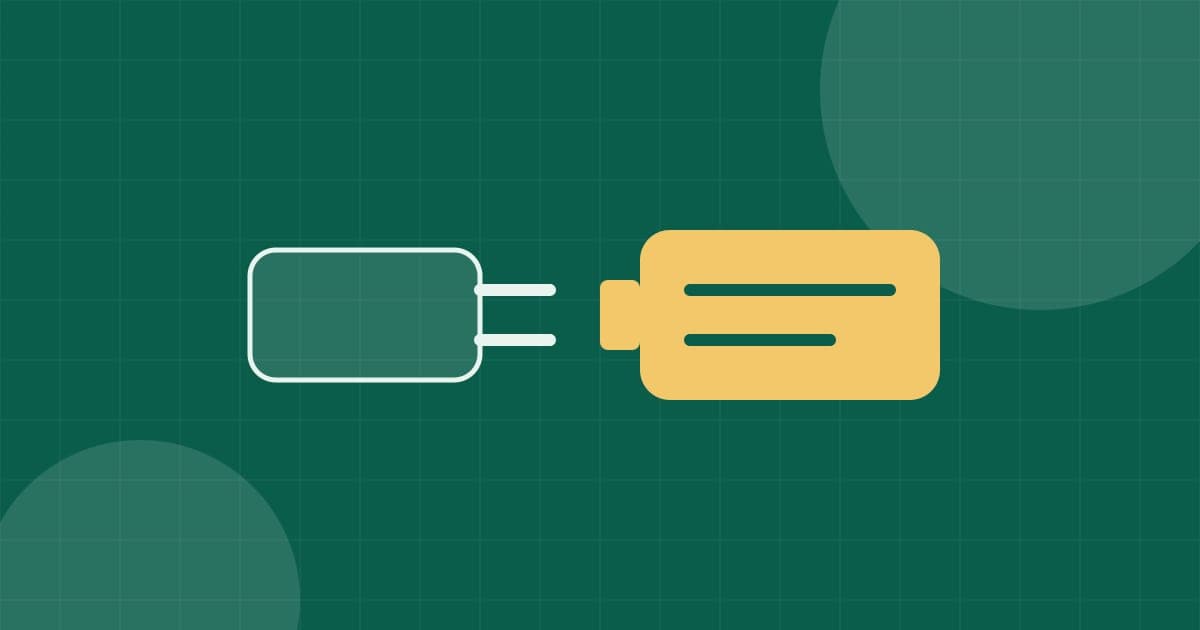
The official definition: MCP (Model Context Protocol) is an open-source standard for connecting AI applications to external systems. The MCP site compares it to a USB-C port for AI: just as USB-C gives devices one standard plug, MCP gives AI apps one standard way to connect to tools and data.
Before MCP, every AI app needed its own custom connection to every service. With MCP, a service builds one connector, and any app that speaks MCP can use it.
Who made it
MCP was created at Anthropic by David Soria Parra and Justin Spahr-Summers and announced on 25 November 2024 as an open-source project, with the specification, SDKs and a set of ready connectors for services such as Google Drive, Slack, GitHub and Postgres.
How it works: three parts
- Host: the AI app you use (a chat app, a code editor, an automation tool).
- Client: a small component inside the host that keeps a connection to one server.
- Server: a program that gives the AI access to something: your files, a database, a calendar, an online service.
A server can offer three kinds of things:
| What | Meaning | Example |
|---|---|---|
| Tools | Actions the AI can perform | Send an email, query a database |
| Resources | Information the AI can read | File contents, records |
| Prompts | Ready-made instructions | A template for summarising a report |
Servers can run on your own computer or on a remote server over the internet.
What it's used for
The MCP site gives examples such as an assistant that reads your Google Calendar and Notion, a coding tool that builds a web app from a Figma design, and company chatbots that query several databases. For businesses, the practical use is simple: connect your AI agent to the systems you already use, without custom code for each one.
n8n supports MCP servers in its AI features, so an agent built in n8n can use MCP tools alongside its built-in integrations.
Security: what to watch
An MCP server can act on your behalf, so treat it like any software you install:
- Install servers only from sources you trust. The MCP security guidance warns that a malicious local server can run any command with your app's permissions.
- Read the exact command before a one-click install, and run local servers in a sandbox where you can.
- Give the minimum access each server needs (read-only where possible).
- Use proper sign-in for remote servers; MCP recommends OAuth to get access tokens.
For the bigger picture of keeping agents safe, see securing a self-hosted AI agent.
Frequently asked questions
Is MCP only for Claude?
No. Anthropic created MCP and released it as an open-source standard. Many AI apps and tools now support it, including automation tools such as n8n.
Do I need to be a developer to use MCP?
Not to use it. Many apps let you add an MCP server from a settings screen. Building your own MCP server does need programming.
Sources & references
Related reading
AI agents & automation
How to secure a self-hosted AI agent: a practical checklist
A checklist for running n8n, OpenClaw, Hermes Agent or any AI agent on your own server safely: server basics, closed ports, limited permissions, sandboxing and prompt injection.
3 min read
AI agents & automation
OpenClaw vs Hermes Agent vs n8n: which should you self-host?
Two personal AI agents and one automation platform, compared: what each is built for, how you talk to it, how it's licensed and how much care it needs to run safely.
2 min read
AI agents & automation
How much does it cost to run an AI agent 24/7?
The real costs of running an AI agent: the server, the AI model's API usage and the hidden extras. A simple formula to estimate your monthly bill before you start.
2 min read